Award Badge Kit

Show Your Recognition with the Official Badge.

For winners and honorees of the Humans of Globe Global Leadership & Excellence Awards 2026 in Cape Town. Add the badge to your website, email signature and company profile.

Choose Your Badge

Four Versions, One Line of Code

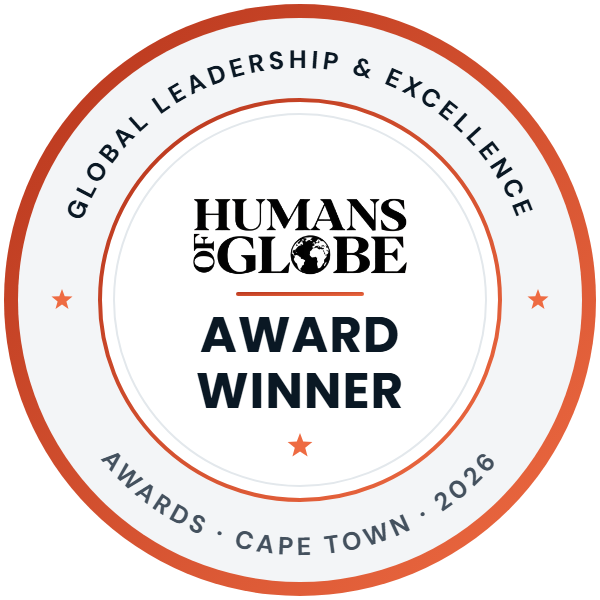
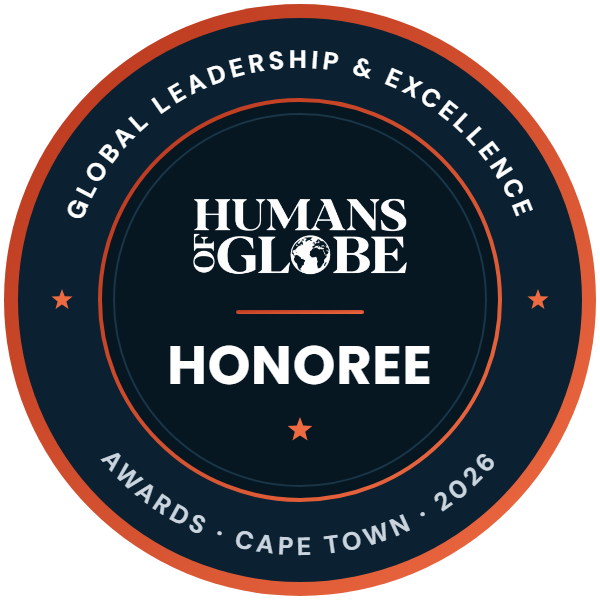
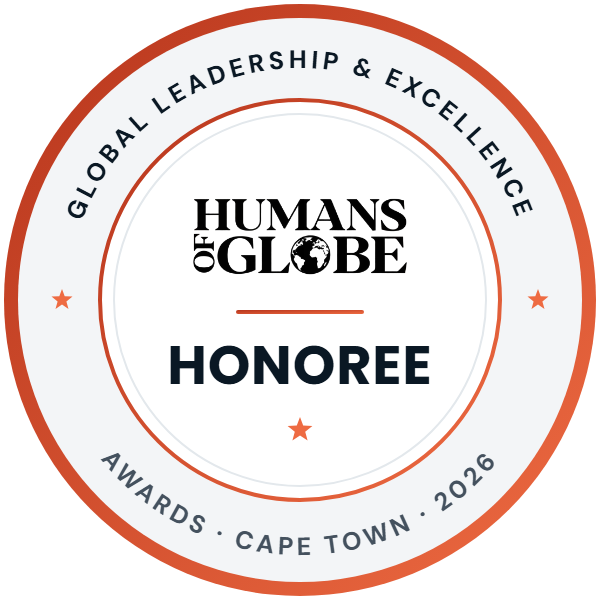
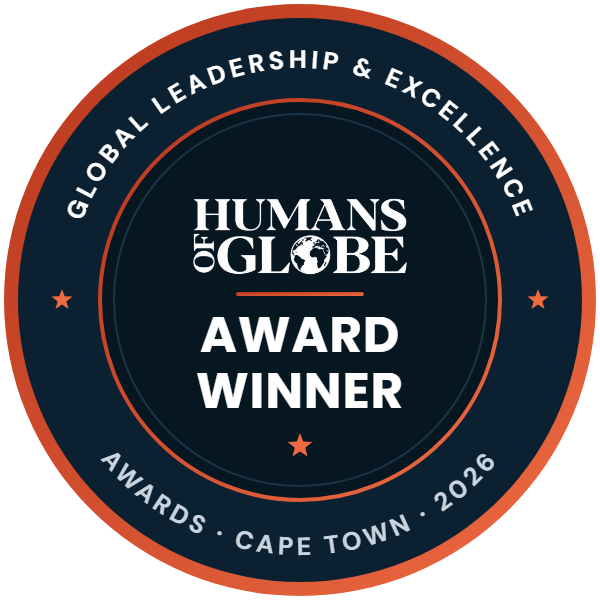
Use the Award Winner badge if you received an award, and the Honoree badge if you were honoured at the evening. Pick the dark or light version to suit your page.

Award Winner, Humans of Globe Global Leadership & Excellence Awards 2026, Cape Town, by Maverick Minds Inc.
Award Winner · Dark
Download PNG
Award Winner, Humans of Globe Global Leadership & Excellence Awards 2026, Cape Town, by Maverick Minds Inc.
Award Winner · Light
Download PNG
Honoree, Humans of Globe Global Leadership & Excellence Awards 2026, Cape Town, by Maverick Minds Inc.
Honoree · Dark
Download PNG
Honoree, Humans of Globe Global Leadership & Excellence Awards 2026, Cape Town, by Maverick Minds Inc.
Honoree · Light
Download PNG

How to Add It

On Your Website, in Your Signature and on LinkedIn

01

Your Website

Copy the code and paste it into an HTML block: Custom HTML in WordPress, Embed HTML in Wix, a Code block in Squarespace or an Embed element in Webflow. Your About, Awards or Press page is a good place for it.

02

Your Email Signature

Download the PNG, add it to your signature at about 120 pixels wide and link it to maverickmindsinc.com/awards/.

03

LinkedIn

Add the award under Honors & awards on your profile with Humans of Globe as the issuer, and share the badge in a post.
Guidelines

Using the Badge

Questions about the badge? Write to info@maverickmindsinc.com.

  • Use the badge that matches your recognition at the 2026 awards in Cape Town.
  • Keep the badge as it is: don’t change its colours, wording or proportions.
  • Show it at least 120 pixels wide so the text stays readable.
  • Keep the link to the awards page, so visitors can see what the recognition is.